Publishing & Design
Make it bespoke, without writing a line of CSS.
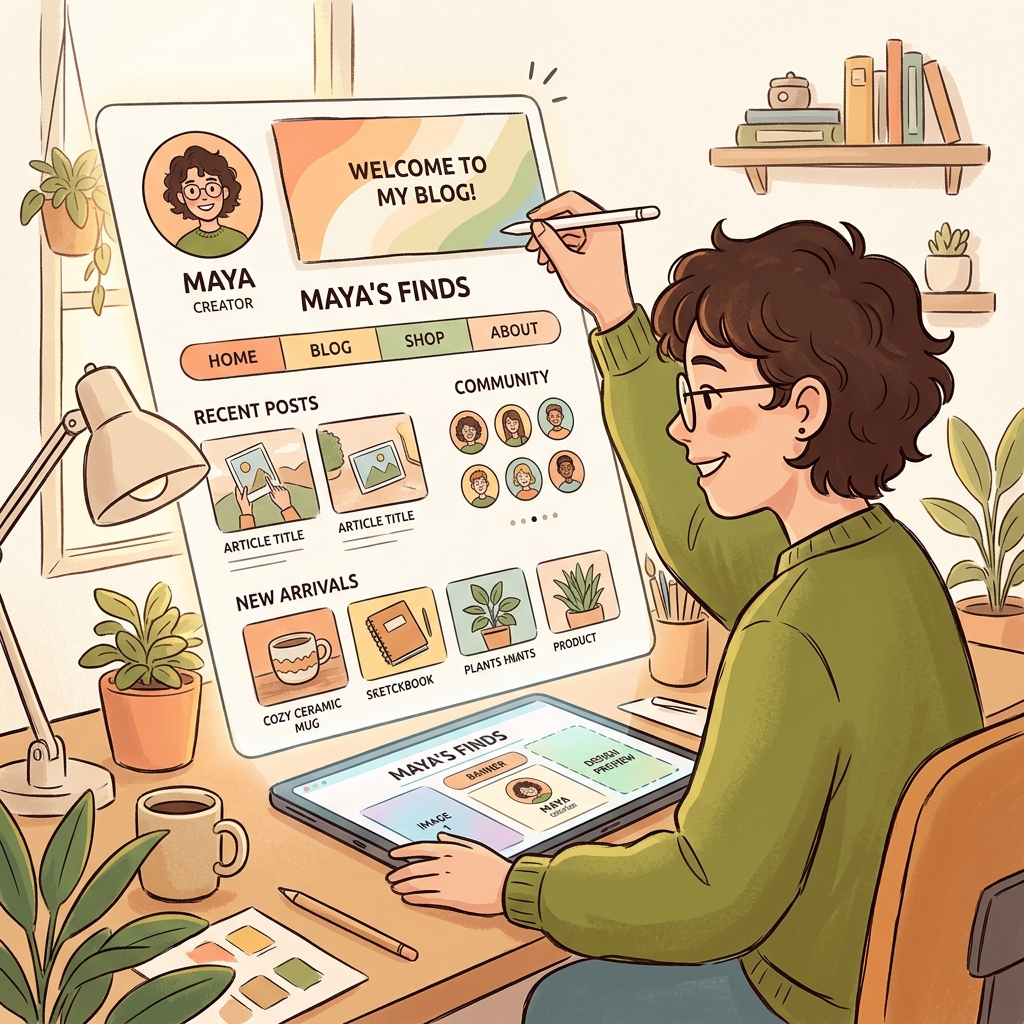
When you publish notes using most platforms, they look like generic software documentation. Your ideas are trapped in someone else's uniform aesthetic.
Owldo gives you deep visual control without the headache of custom styling or code maintenance. Choose from 7 persona-driven layout archetypes, flip between clean light, warm sepia, or sleek dark surfaces, select curated accent palettes, and connect your own domain in seconds.
Our Philosophy
“Constraint is the product — no custom CSS needed.”
When software asks you to design everything from scratch, you spend hours tweaking margins instead of writing. Owldo provides 7 architect-designed layout archetypes, balanced typography pairings, and curated surface modes so your blog looks bespoke from day one.
7 Persona-Driven Layout Archetypes
Whether you are writing long-form essays, maintaining a developer devlog, curating a visual moodboard, or broadcasting short-form thoughts, Owldo has a layout engine built for your specific medium.
Choose between Dispatch (editorial publication), Terminal (monospace technical notes), Atlas (topic index cards), Studio (visual media grid), Zine (high-contrast neo-brutalist), Log (chronological thought stream), or Board (visual masonry wall).
Curated Surfaces & Accent Palettes
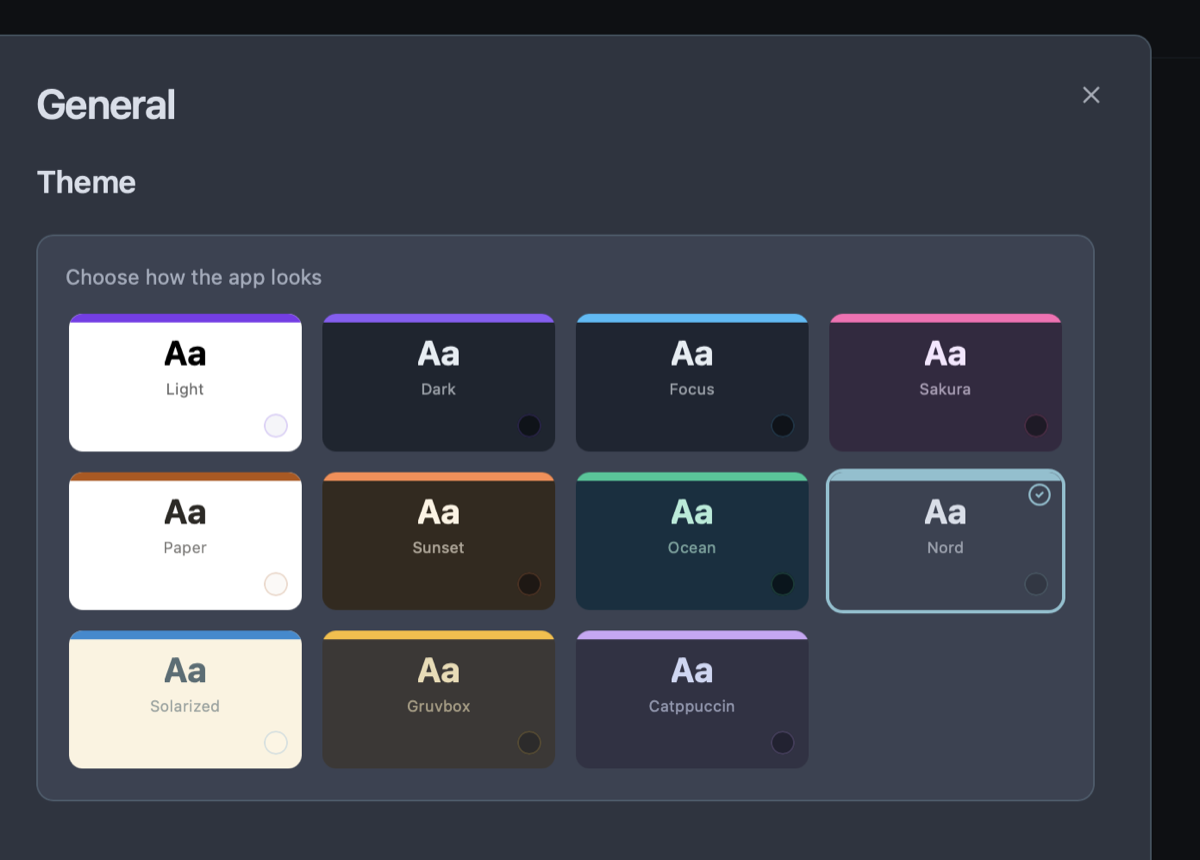
Choose between Clean Light (#FAFAF8), Sleek Dark (#141412), or Warm Sepia (#F5F0E8) surfaces. Every surface is tuned for maximum contrast, readability, and optical comfort during extended reading sessions.
Pair your surface with 10 curated accent colors—including Indigo, Emerald, Amber, Rose, Violet, and Slate—or enter any custom hex color. Control exactly where your accent appears, from subtle link hovers to bold headings and metadata tags.
Cohesive Typography Systems
Typography is the voice of your writing. Owldo pairs world-class typefaces tailored to each layout archetype: classic serifs (Lora and Source Serif 4) for literary essays, crisp monospace (JetBrains Mono) for code-heavy tutorials, and modern sans-serifs (Space Grotesk and DM Sans) for contemporary digital journals.
Every font pairing includes carefully calibrated font sizes, line heights (leading), and measure (line length) to eliminate reader fatigue.
Complete Brand Identity & Custom Assets
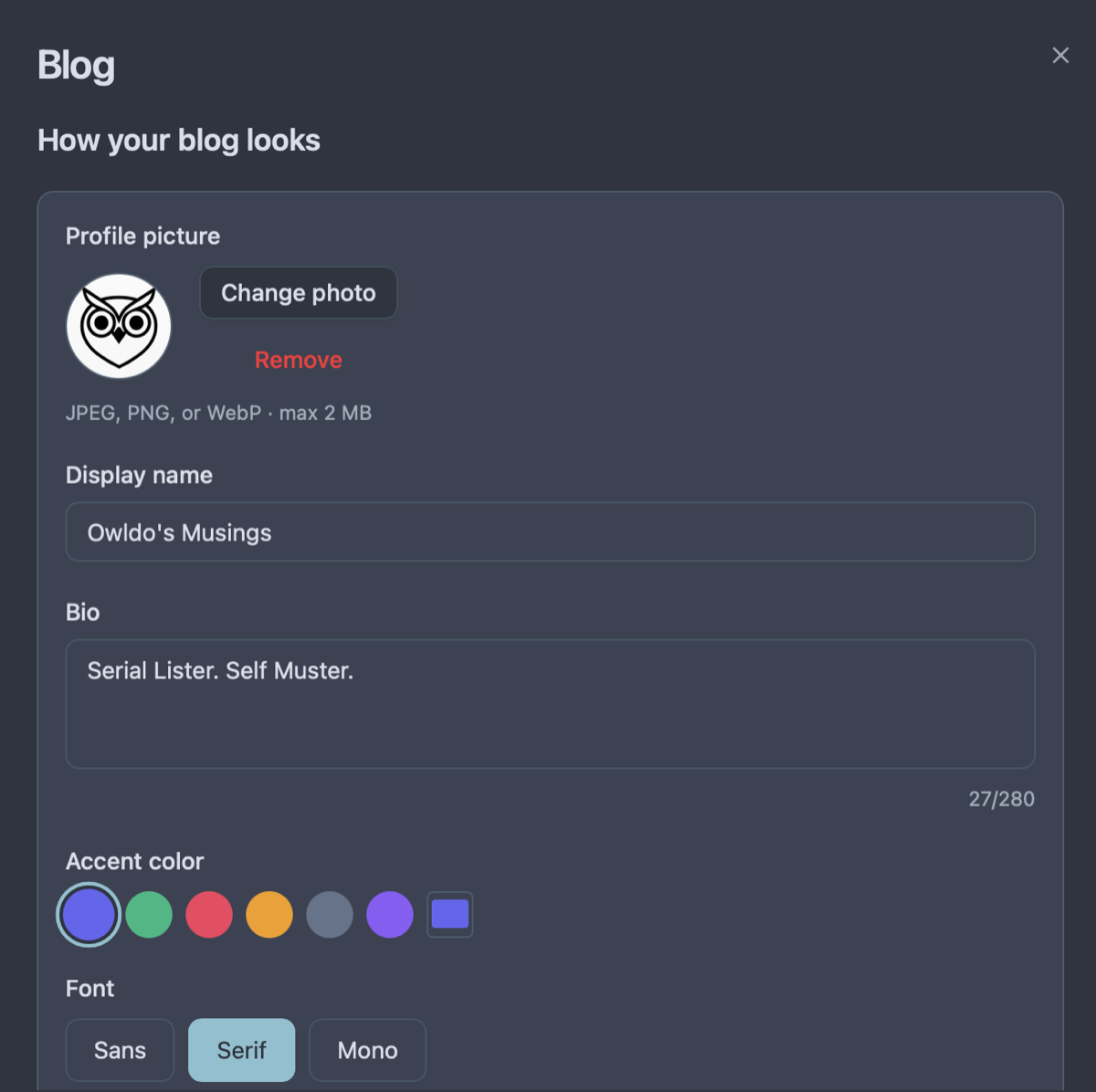
Make your blog an authentic extension of your personal brand. Upload custom avatars, wide hero cover banners, and custom browser favicons.
Add your author biography, display your preferred social profiles (including Threads, Instagram, and custom URLs), and map your publication directly to your root domain or subdomain with automated SSL.
See Customize Your Published Blog in action
Frequently Asked Questions
Do I have to know HTML, CSS, or frontend code?
No. All styling and layout configuration is 100% visual. Select your preferred look, tweak colors and header styles, and preview your changes in real-time.
Can I switch blog layouts later without breaking my posts?
Yes. Your content is stored as clean Markdown. Switching between newsletter, terminal, masonry, or stream layouts instantly adapts your existing posts without any reformatting.
Can I use dark mode for my blog?
Yes. You can set your blog surface baseline to Sleek Dark (#141412), Clean Light (#FAFAF8), or Warm Sepia (#F5F0E8) independently of your app theme.
Can readers subscribe to my blog directly?
Yes. Enable the built-in email newsletter toggle to display an email capture box on your blog and send published posts straight to subscriber inboxes.
Explore more features
See what else Owldo does to keep your work unified and friction-free.

Feature
Tasks & Notes Unified in One Workspace
Stop paying the two-app tax. Capture a thought and turn it into a task without switching contexts.
Feature
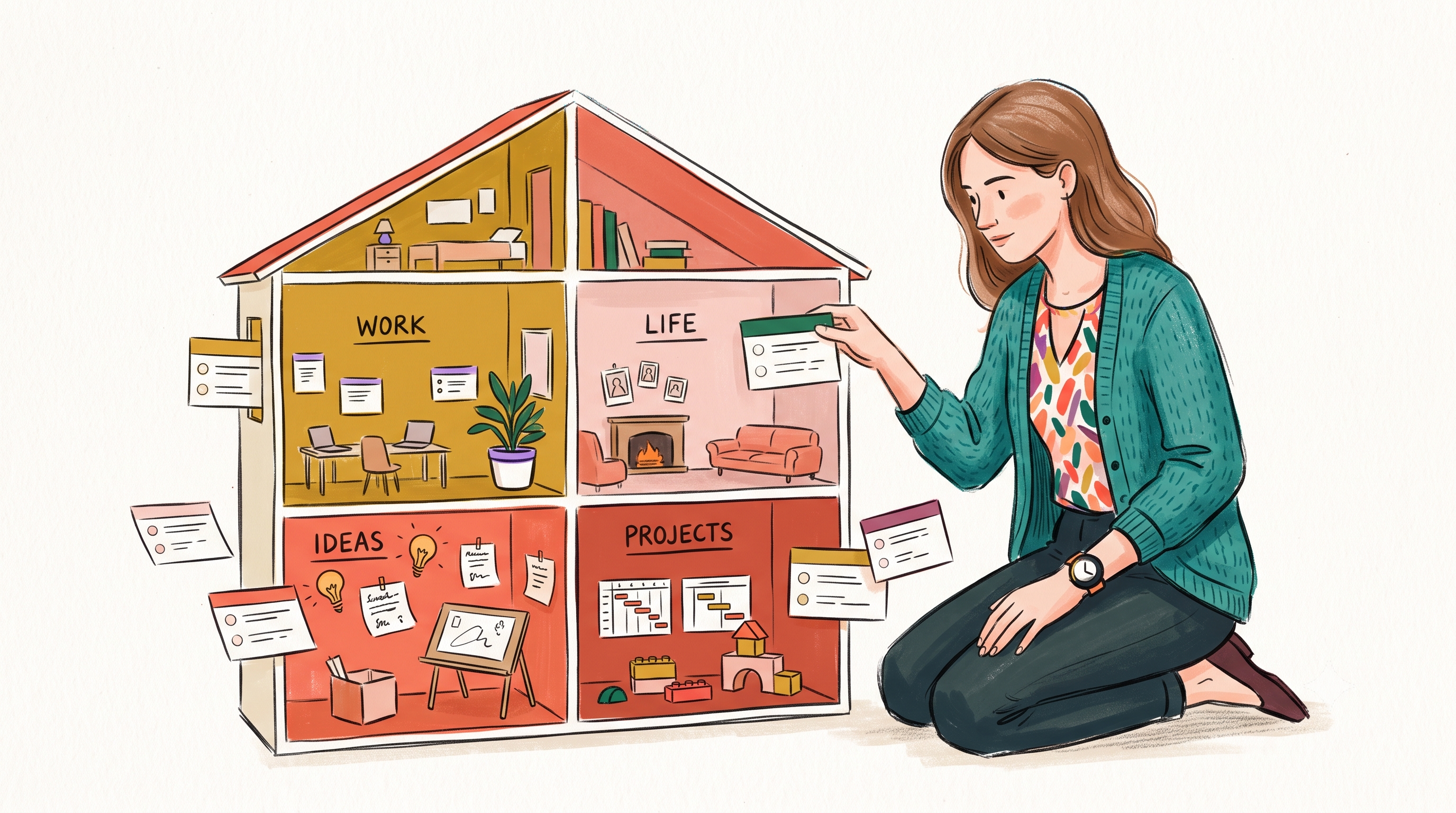
Spaces: Lightweight Organization
A lightweight way to separate work, life, and projects — without folders-inside-folders ceremony.

Feature
Offline-First Sync
Instant local storage. Syncs across Mac, Windows, iOS, and Android in the background — and works on a plane.